Delete Sessions
- Select Sessions
 from the Vision Anywhere navigation bar.
See - Vision Appointments Setup Navigation Bar.
.The Session view displays. - Select the Session you want to remove.
The Edit and Delete
 options display.
 -
Choose Delete
to remove the session. -
Select the Save button at the bottom right of the screen to update the changes, or choose Reset to cancel any changes.
Note - If the session is in use a warning displays.
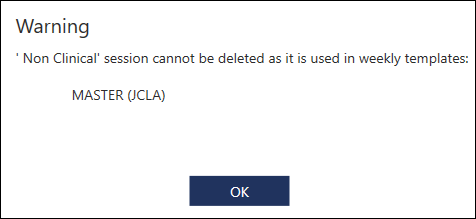
The session must be removed from the template before it can be deleted.

The Sessions view displays.

